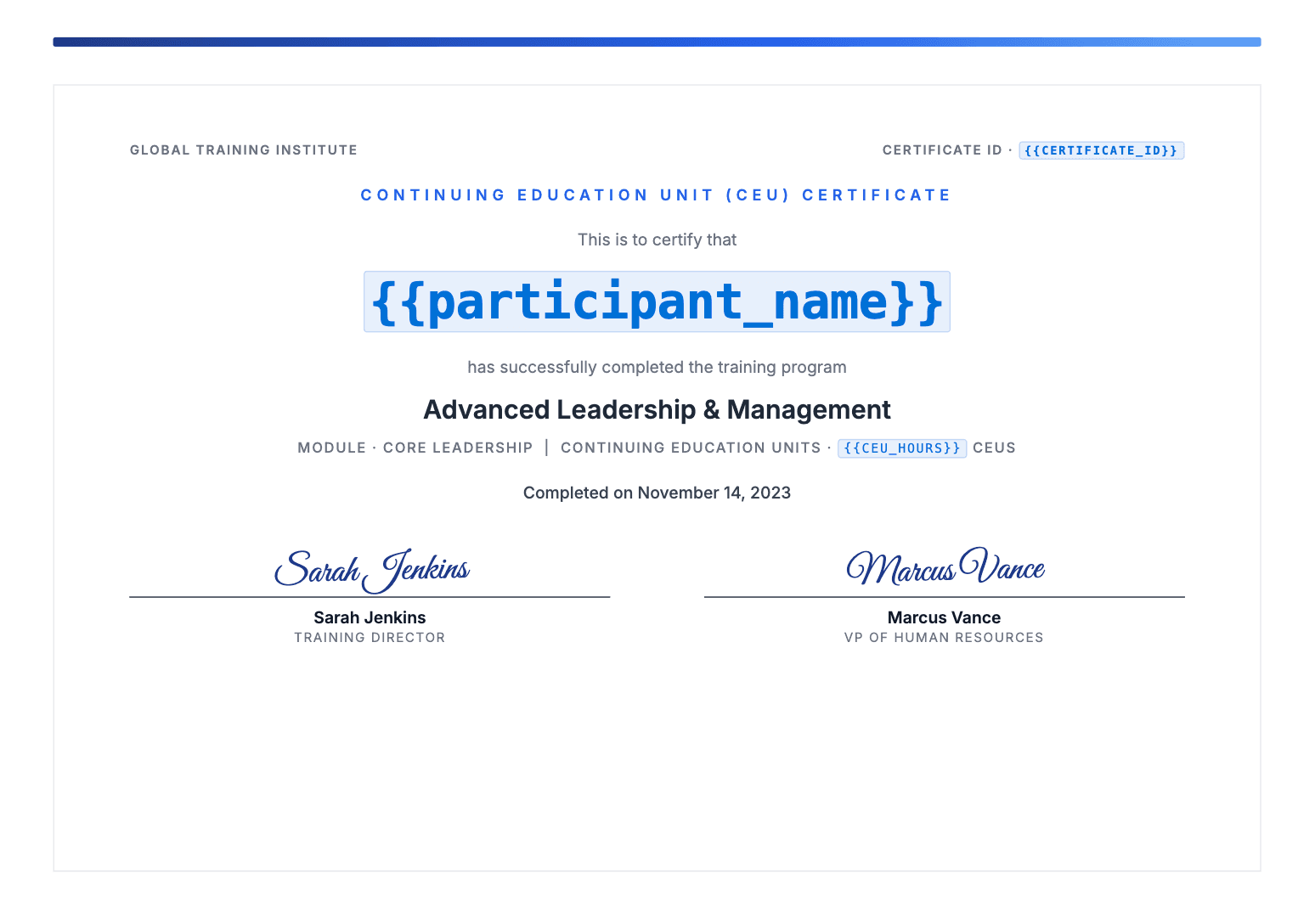
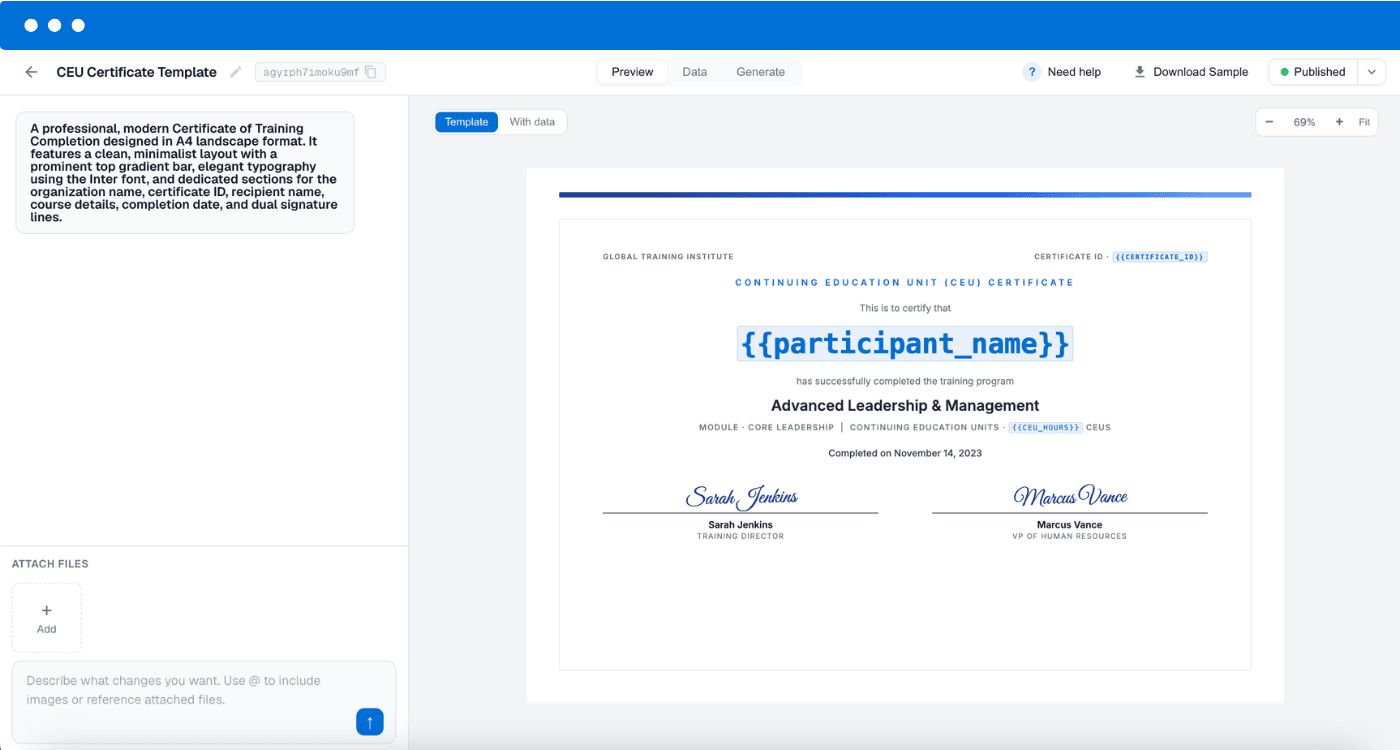
Build a reusable continuing-education certificate once. Add merge fields wherever the details change: participant name, course title, CEUs or contact hours, completion date, certificate ID. Upload your roster and DocuPotion returns a finished PDF for every participant.
Every continuing-education provider ends the same way: a certificate for each participant that shows their CEUs or contact hours, the course they completed, the date and a unique certificate number. The layout usually cannot change (it is the version your organisation approved), but almost everything printed on it does, participant by participant. Producing them by hand means copying one file per person and retyping the same handful of fields into each, which is slow after a roster of thirty and easy to get wrong at any size. DocuPotion keeps the approved design and takes out the retyping: mark the variable parts as merge fields once, upload your roster, and get a separate finished certificate for every row, emailed to each participant if you want the sending handled too.
Here's how it works
From a participant roster to a finished certificate for each one.
1
Build your certificate once
Describe the certificate you need and DocuPotion builds it, or upload the approved design you already use and keep it exactly as-is. Add merge fields like {{participant_name}}, {{ceu_hours}} and {{certificate_id}} wherever the details change.
2
Upload your participant roster
Export a spreadsheet from your registration system, your LMS, or a sheet you keep by hand. Map your column headers to your merge fields once and the mapping is saved for next time.
3
Generate the whole roster
DocuPotion fills the template for every row and returns a separate certificate per participant, up to 5,000 in a single run. Download the batch, or have each participant emailed their own certificate the moment it's generated.
Email each certificate straight to your participants
Generating the certificates is only half the work. The other half is getting one to every participant, which usually means a fiddly mail merge, or an afternoon spent attaching the right PDF to the right email by hand.
Turn on email delivery and DocuPotion sends each participant their own certificate the moment it's generated: their PDF attached, with a subject line and message you can personalise with merge fields, so "Your Ethics in Practice certificate, Jordan" writes itself from your roster.
You can watch delivery happen participant by participant (sent, delivered, or bounced), so you always know who has their certificate and who needs a follow-up. If an address fails, resend just those without generating anything again. And before you commit a whole roster, send yourself a test: one email, exactly as your participants will receive it.
✓
Personalised subject and message. Merge fields work in the email, not just the certificate.
✓
Per-participant delivery status. Sent, delivered, or bounced, at a glance.
✓
Replies come to you. Set your own reply-to address so questions land with the right person.
Email delivery is included on paid plans. Prefer to send it your way? Just download the batch.
Start with a CEU certificate template
Pick a professionally designed starting point, then fill it from your participant roster.
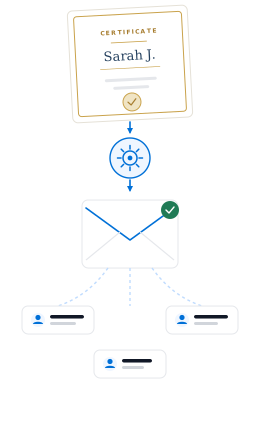
A roster of participants becoming finished certificates, emailed to each one.
Frequently asked questions
How do I generate CEU certificates in bulk?
Build one reusable certificate template in DocuPotion and mark the variable parts as merge fields, then upload a spreadsheet of your participants. DocuPotion fills the template once per row and returns an individual certificate for each person, so you never duplicate an approved file and retype a name into it again.
Can I show CEUs or contact hours on each certificate?
Yes. CEUs, contact hours, the course title, the completion date and a certificate number are all just merge fields, so each takes its value from that participant's row. If two people earned different hours on the same course, each certificate shows their own figure.
Can I use the certificate design we already have?
Yes. Upload the PDF you already use and place merge fields on top of it. The layout, wording and any approval marks stay exactly where they are. If your design is a Word doc or Google Doc, convert it to a PDF first and upload that to DocuPotion.
Does DocuPotion report CEUs to accrediting bodies or verify them?
No, and it's worth being clear about this. DocuPotion produces the certificate PDF itself; it does not report credits to any accrediting body or state registry, and it does not host verification. Whatever reporting or record-keeping you do for your accreditation today, you keep doing the same way. What DocuPotion removes is the manual work of producing and sending an accurate, personalised certificate to every participant.
Can DocuPotion email the certificates to participants?
Yes. Map the email column in your roster and DocuPotion sends each participant their own certificate as an attachment, with a subject and message you can personalise with merge fields like the participant's name or the course title. Emails come from documents@send.docupotion.com and replies go to an address you choose. Email delivery is available on paid plans; you can also just download the PDFs and send them however you already do.
Does every certificate count towards my document allowance?
Yes. Every certificate counts as one document, whether you generate it on its own or as part of a batch, so a roster of 200 participants uses 200 documents. The free trial includes 10 documents, enough to test your certificate on a few participants first. Core includes 100 a month and Business includes 500, so it is worth checking a typical roster against your plan before a large run.
What can I use as the data source?
For a batch, a spreadsheet: CSV, Excel or Google Sheets, where each row becomes one certificate. If you'd rather issue a certificate the moment a participant completes a course, that's available through Airtable, Zapier, Make, n8n or our REST API instead.
Can I make a single CEU certificate for free?
Yes. If you only need one or a handful, our free certificate maker lets you fill a template and download a PDF without an account. For a whole roster from a spreadsheet, use the bulk generation described above.
Can we generate our other course paperwork too?
Yes. Certificates are one document type among many. The same templates and participant data can produce completion letters, sign-in sheets, course evaluations and invoices, so your whole program's paperwork comes from one place.
Stop retyping certificates
Build your CEU certificate once and generate one for every participant on your roster. Start with a free trial, no credit card required.