PDF Generation API
Generate custom PDFs from JSON in seconds. Describe your template once with our AI editor, then call a single REST endpoint to produce documents at scale.
Try it out, no sign up required


 4.9/5 Rated on G2 by real users
Generate a PDF in any language
A single POST request to /v1/create turns your template and JSON data into a finished PDF. Copy a sample below and you're generating documents in minutes.
curl -X POST https://api.docupotion.com/v1/create \
  -H "Authorization: Bearer YOUR_API_KEY" \
  -H "Content-Type: application/json" \
  -d '{
    "templateId": "your_template_id",
    "output": "url",
    "expiration": 60,
    "data": {
      "name": "John Doe",
      "invoice_number": "INV-001",
      "items": [
        { "description": "Product A", "quantity": 2, "price": 50.00 },
        { "description": "Product B", "quantity": 1, "price": 75.00 }
      ],
      "total": 175.00
    }
  }'
// Using fetch (Node 18+)
const response = await fetch("https://api.docupotion.com/v1/create", {
method: "POST",
headers: {
Authorization: "Bearer YOUR_API_KEY",
"Content-Type": "application/json",
},
body: JSON.stringify({
templateId: "your_template_id",
output: "url",
expiration: 60,
data: {
name: "John Doe",
invoice_number: "INV-001",
items: [
{ description: "Product A", quantity: 2, price: 50.0 },
{ description: "Product B", quantity: 1, price: 75.0 },
],
total: 175.0,
},
}),
});
const result = await response.json();
console.log(result.url); // URL to your generated PDFimport requests
response = requests.post(
"https://api.docupotion.com/v1/create",
headers={
"Authorization": "Bearer YOUR_API_KEY",
"Content-Type": "application/json",
},
json={
"templateId": "your_template_id",
"output": "url",
"expiration": 60,
"data": {
"name": "John Doe",
"invoice_number": "INV-001",
"items": [
{"description": "Product A", "quantity": 2, "price": 50.00},
{"description": "Product B", "quantity": 1, "price": 75.00},
],
"total": 175.00,
},
},
)
result = response.json()
print(result["url"]) # URL to your generated PDF<?php
$payload = [
"templateId" => "your_template_id",
"output" => "url",
"expiration" => 60,
"data" => [
"name" => "John Doe",
"invoice_number" => "INV-001",
"items" => [
["description" => "Product A", "quantity" => 2, "price" => 50.00],
["description" => "Product B", "quantity" => 1, "price" => 75.00],
],
"total" => 175.00,
],
];
$ch = curl_init("https://api.docupotion.com/v1/create");
curl_setopt($ch, CURLOPT_RETURNTRANSFER, true);
curl_setopt($ch, CURLOPT_POST, true);
curl_setopt($ch, CURLOPT_HTTPHEADER, [
"Authorization: Bearer YOUR_API_KEY",
"Content-Type: application/json",
]);
curl_setopt($ch, CURLOPT_POSTFIELDS, json_encode($payload));
$response = curl_exec($ch);
$result = json_decode($response, true);
echo $result["url"]; // URL to your generated PDFrequire "net/http"
require "json"
require "uri"
uri = URI("https://api.docupotion.com/v1/create")
http = Net::HTTP.new(uri.host, uri.port)
http.use_ssl = true
request = Net::HTTP::Post.new(uri.path, {
"Authorization" => "Bearer YOUR_API_KEY",
"Content-Type" => "application/json",
})
request.body = {
templateId: "your_template_id",
output: "url",
expiration: 60,
data: {
name: "John Doe",
invoice_number: "INV-001",
items: [
{ description: "Product A", quantity: 2, price: 50.00 },
{ description: "Product B", quantity: 1, price: 75.00 },
],
total: 175.00,
},
}.to_json
response = http.request(request)
result = JSON.parse(response.body)
puts result["url"] # URL to your generated PDFNeed more detail? See the full API reference.
An API built for developers
DocuPotion provides a simple REST API that makes it quick and easy to get your PDF generation up and running. Just make a POST request with your JSON data, and get back a perfectly formatted PDF.
The way APIs should work.
Click a step to see what it looks like in code.
Authorization: Bearer YOUR_API_KEY
Content-Type: application/json
POST https://api.docupotion.com/v1/create
{
"templateId": "tpl_abc123",
"output": "url",
"format": "pdf",
"data": {
"customerName": "Acme Inc",
"invoiceNumber": "INV-001",
"total": 175.00
}
}200 OK
{
"success": true,
"url": "https://cdn.docupotion.com/abc123.pdf",
"expiresAt": "2026-04-08T12:00:00Z"
}Full request and response reference in the API docs.
Not just a PDF Generation API
DocuPotion provides a simple to use PDF Generation API, but that's not all we help with. Here are some other features to help with your PDF generation.
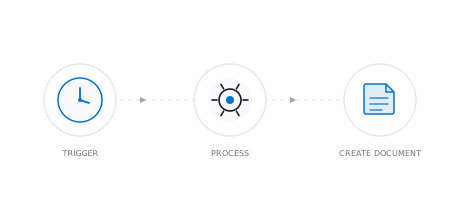
Document Automation
Stop creating documents by hand. Set up automated workflows that pull live data from your tools and generate documents on a schedule, on form submission, or via API.
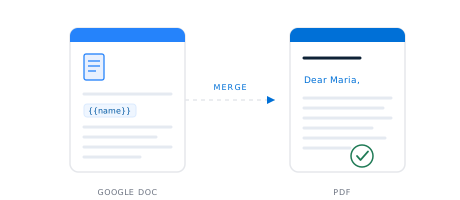
Google Docs Templates
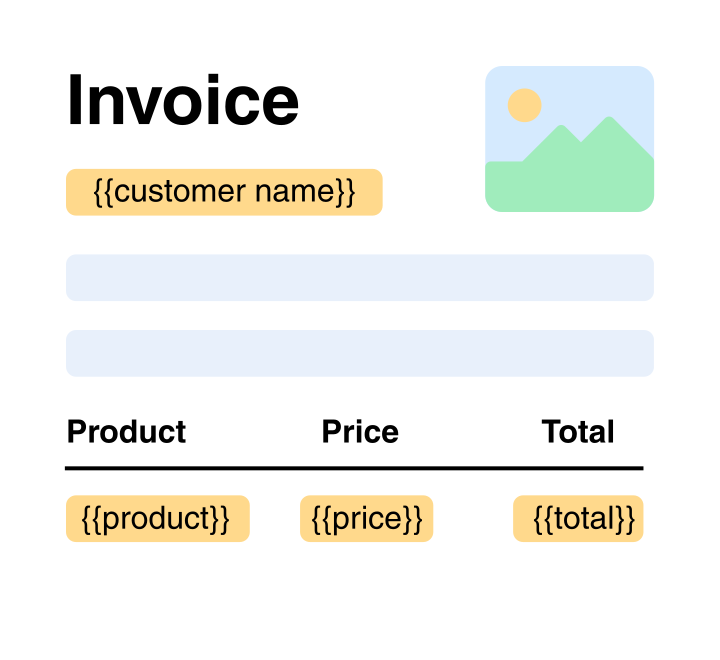
Bring a Google Doc you already use, add merge fields like {{name}}, and DocuPotion turns it into a reusable template. Generate pixel-perfect PDFs from your data, one at a time or in bulk from a spreadsheet.
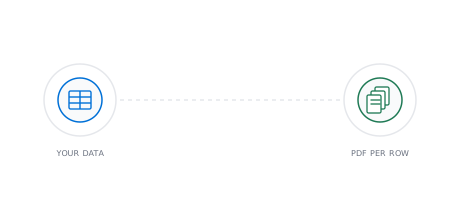
PDF Mail Merge
Upload a spreadsheet, and DocuPotion mail merges it into an individual PDF for every row. No Word workaround, no splitting one long file into many.
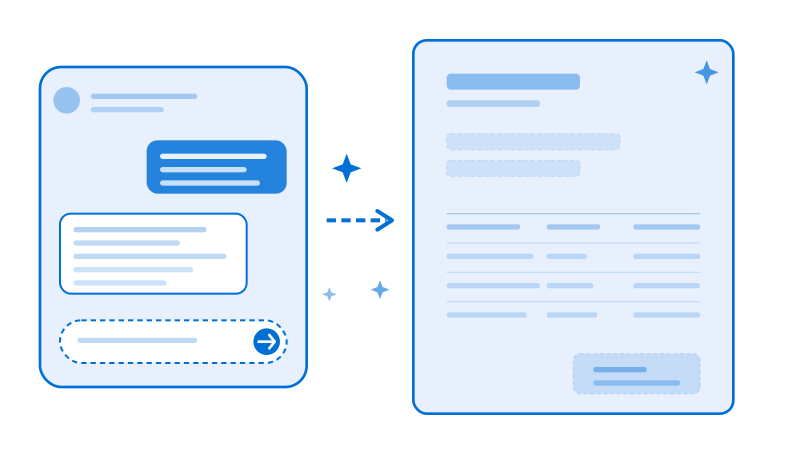
Create PDF Templates
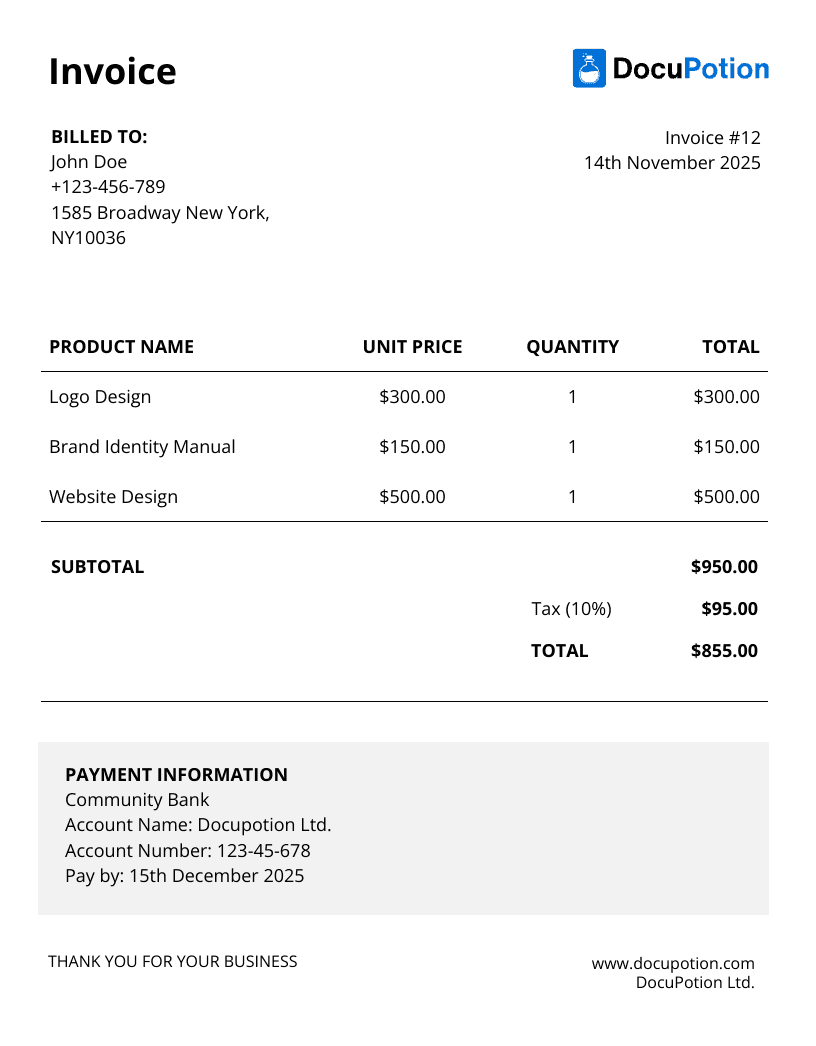
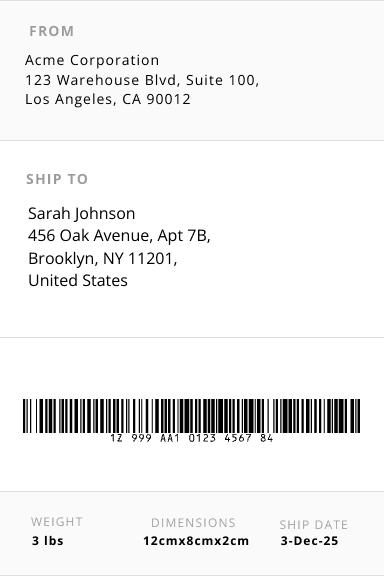
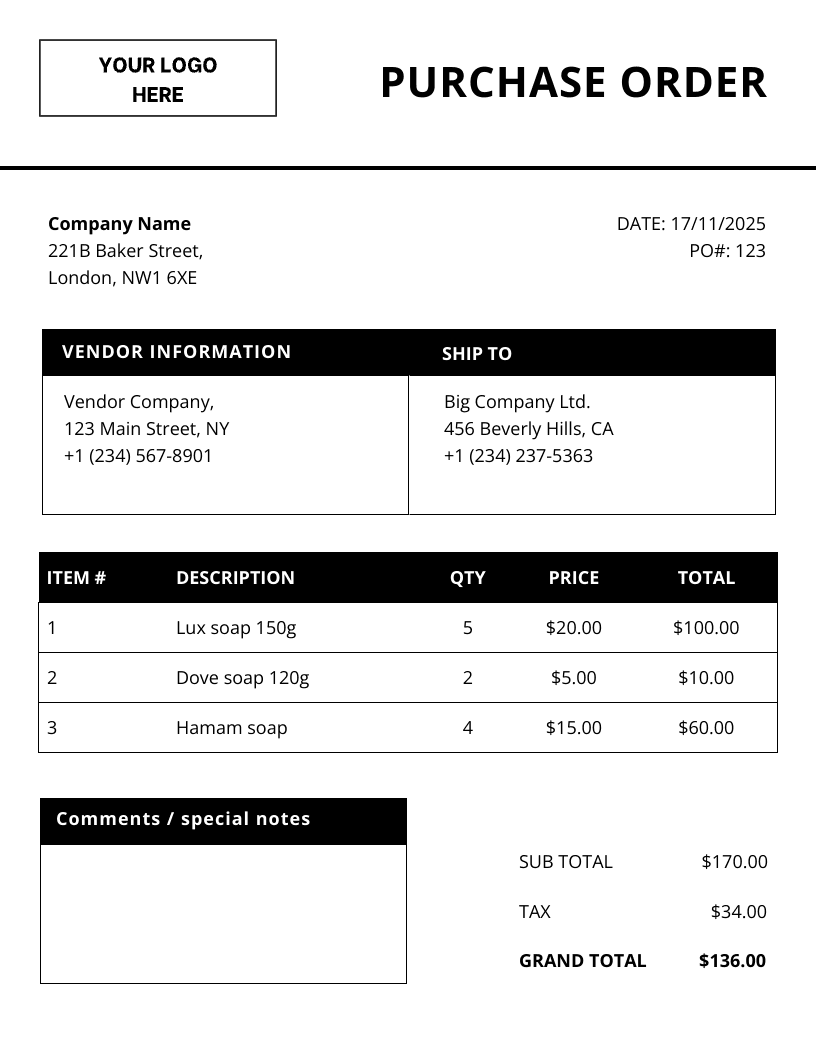
Create PDF templates in minutes with our AI editor. Just describe what you need and generate templates for invoices, sales reports, purchase orders, shipping labels and all your business documents.
Frequently asked questions
How does the DocuPotion PDF generation API work?
You describe the PDF template you need to DocuPotion's AI editor, then call a single REST endpoint (POST /v1/create) passing your template ID and a JSON object with the data you want merged in. DocuPotion renders the document on the fly and returns a hosted URL or a base64-encoded file in seconds. There's no SDK to install, no server to maintain, and no headless browser to manage. It's a single HTTPS request from any language.
What languages and frameworks does the API support?
Any language that can make an HTTPS request. Because the DocuPotion API is a standard REST endpoint that accepts JSON and returns JSON, you can call it from Node.js, Python, PHP, Ruby, Go, Java, .NET, Rust, or directly from your shell with cURL. No client SDK required. We provide ready-to-copy code samples in cURL, Node.js, Python, PHP, and Ruby above, and you can also trigger document generation from platforms like Bubble.io, Airtable, n8n, and Zapier through our native integrations.
Is there a free PDF generation API I can try?
Yes. You can try the DocuPotion PDF generation API with a free trial, no credit card required. It gives you full access to the template editor, the API, and our integrations so you can build and test a real document workflow before committing. You can also try the API live in your browser using the playground at the top of this page, with no signup at all.
How fast is the PDF generation API?
Most single-document requests complete in a couple of seconds end-to-end, including template rendering and PDF generation. For high-volume workloads, the API is designed to be called in parallel. You can fire off many requests concurrently rather than queuing them sequentially, which lets teams generate thousands of documents per hour from the same account.