Create PDF Templates
Turn the documents you already have into reusable PDF templates. Bring a Google Doc, upload an existing PDF, or describe what you need and let DocuPotion build it. Add merge fields and generate invoices, sales reports, purchase orders, shipping labels, and any document you produce at scale.
Start free trial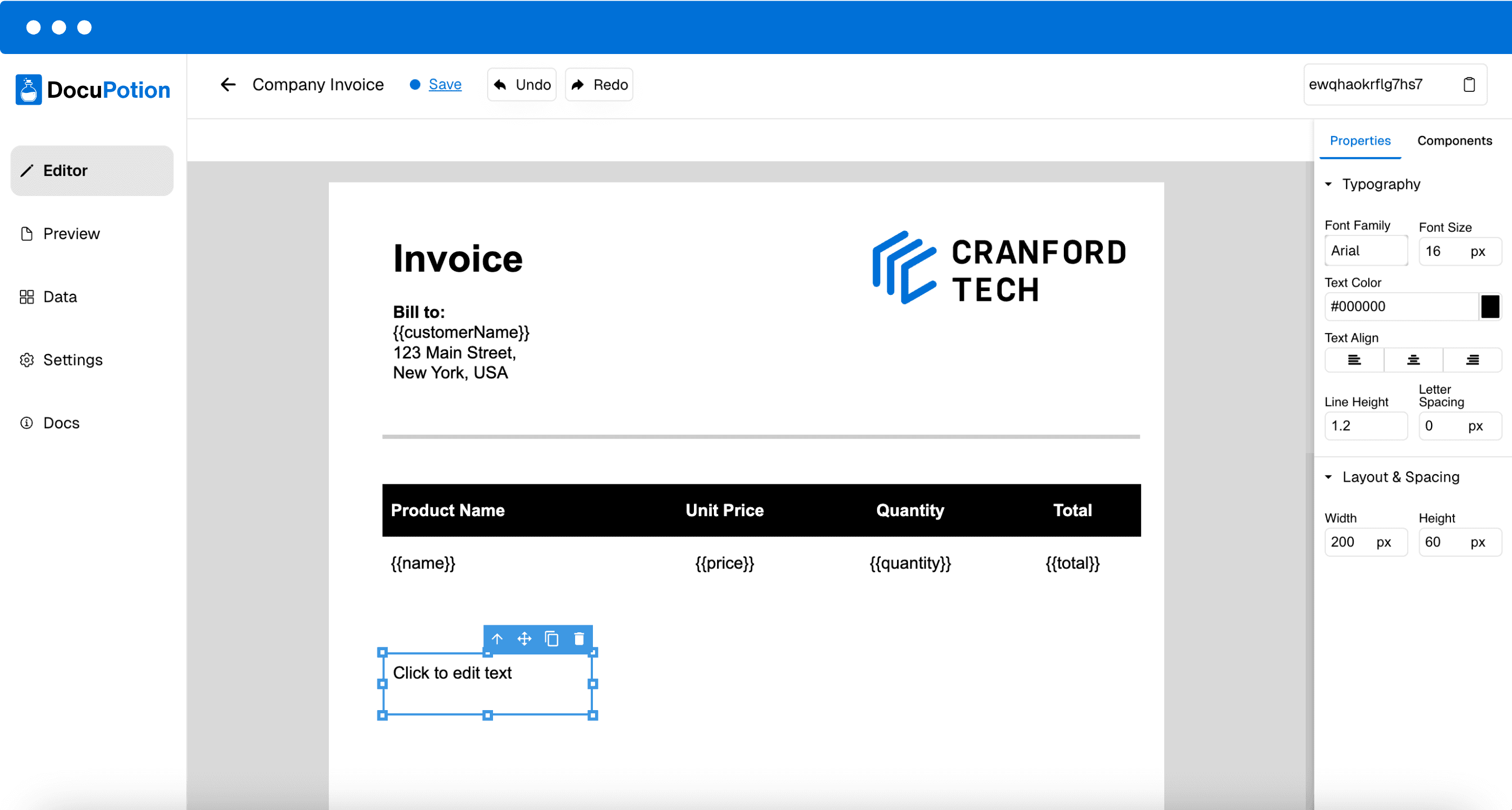
 4.9/5 Rated on G2 by real users
Three ways to build a template
Bring a Google Doc you already use, upload an existing PDF, or describe what you need and let our editor build it. Whichever you choose, you get a reusable template. Add merge fields for the dynamic data that should flow in when you generate each PDF, and refine the layout, styling, and structure until it matches exactly.
Design your template
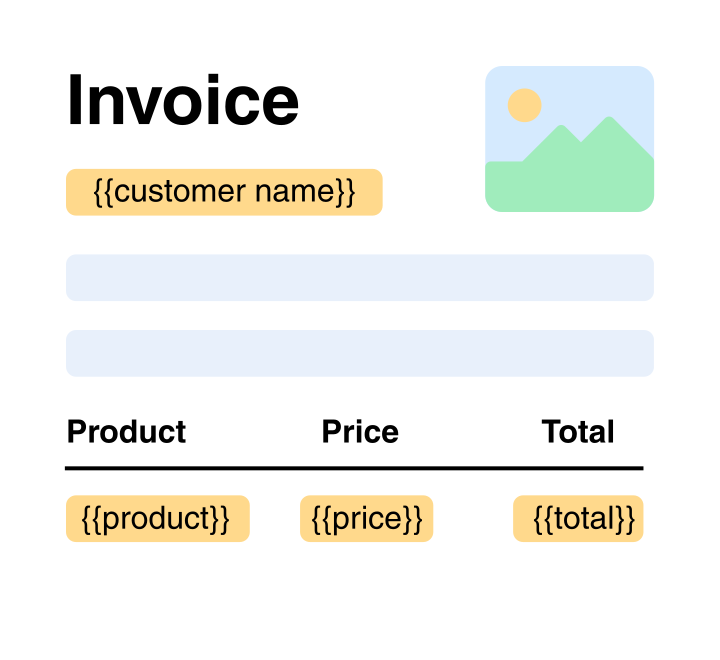
Start from the document you already have: bring a Google Doc or upload an existing PDF, and DocuPotion turns it into a reusable template. Starting fresh instead? Describe what you need and the editor builds the layout for you.
Add your own data
Populate your PDF templates with your own data. DocuPotion lets you insert expressions like {{customerName}} that will be filled in when you generate the PDF.
Create PDFs of your template
Our integrations and API make it easy to automatically generate PDFs of your template at scale.
Prefer Google Docs? Use it as your template
Already built the document in Google Docs? Keep it. Point DocuPotion at your Google Doc, add merge fields like {{customerName}}, and it becomes a reusable template. Every PDF is exported with Google's own renderer, so the output matches your Doc exactly, and the template stays in your own Google Drive.
Create a template from a Google Doc →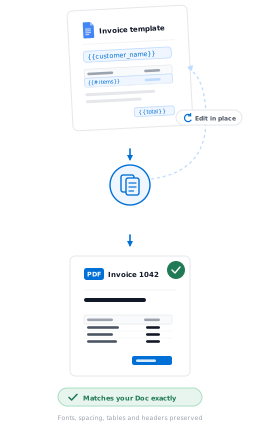
Already have a PDF? Create a template from it
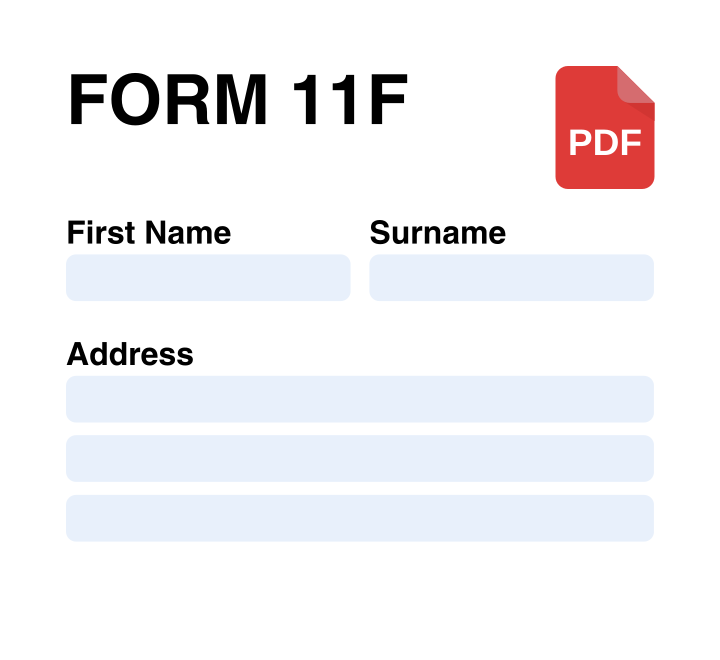
You don't have to start from a description. Upload an existing PDF, fillable or flat, and DocuPotion turns it into a reusable, data-driven template: it maps any form fields automatically, and you can drag text, image, and checkbox overlays onto the page for everything else. Ideal when a layout has to stay exactly as it is, like an official form or a branded document.
Create a template from an existing PDF →Not just a PDF template generator
DocuPotion makes it easy to design great-looking PDF templates, but that's not all we help with. Here are some other features to help with your document generation.
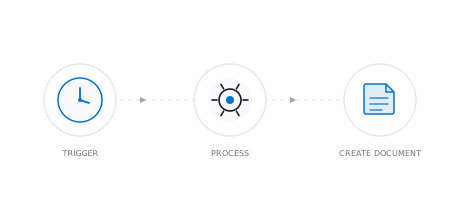
Document Automation
Stop creating documents by hand. Set up automated workflows that pull live data from your tools and generate documents on a schedule, on form submission, or via API.
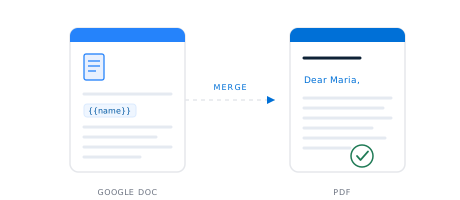
Google Docs Templates
Bring a Google Doc you already use, add merge fields like {{name}}, and DocuPotion turns it into a reusable template. Generate pixel-perfect PDFs from your data, one at a time or in bulk from a spreadsheet.
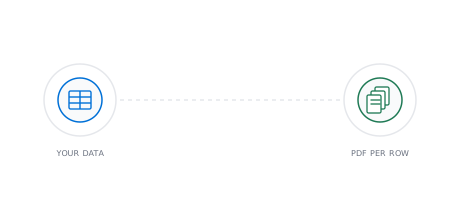
PDF Mail Merge
Upload a spreadsheet, and DocuPotion mail merges it into an individual PDF for every row. No Word workaround, no splitting one long file into many.
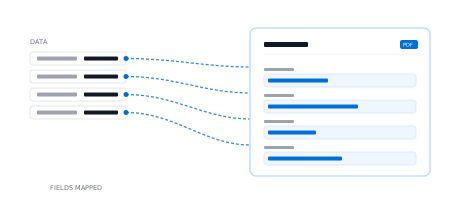
Automate PDF Form Filling
Upload a fillable PDF and DocuPotion maps every input field for you. Then generate populated versions of the form from your data via our integrations or REST API.
Frequently asked questions
How do I create a PDF template?
Describe the document you need to DocuPotion's AI editor and it builds a reusable template in seconds. Refine the layout, branding, and structure with prompts or quick edits until it matches your business. Drop in merge fields like {{customerName}} or {{invoice.total}} wherever you want dynamic data, and your template is ready to generate documents from any data source you connect.
What is the easiest way to create PDF templates?
There are a few fast paths. Describe the document in plain English and DocuPotion's AI editor produces a clean, structured layout you can refine with prompts. Already have the document in Google Docs? Bring it in as your template, add merge fields, and DocuPotion generates PDFs from it with Google's own renderer. You can also upload an existing PDF. However you start, the same template is reused across every document you generate, instead of laying out and copying a file by hand each time like you would in Word or Canva.
What is a PDF template generator?
A PDF template generator is a tool for designing reusable layouts that get filled in with data to produce finished PDFs. Instead of editing each invoice, contract, or report by hand, you build the template once with placeholders for the parts that change, then generate documents from a data source. DocuPotion is an AI-powered PDF template generator: describe the document you need, drop in merge fields, and reuse the template across every channel that produces a PDF.
Can I reuse the same PDF template to generate multiple documents?
Yes. Reuse is the whole point of a PDF template. You design the layout once in DocuPotion, mark dynamic fields with expressions like {{customerName}}, and DocuPotion fills them in from your data every time a document is generated. The same template can power thousands of invoices, quotes, or reports from any data source you connect, with no manual editing or version drift across team members.
How do I generate PDFs from a template I've created?
Once your template lives in DocuPotion, you can trigger PDF generation from any tool you already use. Native integrations with Airtable, Bubble.io, n8n, Make, and Zapier let you generate documents directly from your existing workflows. Developers can call the DocuPotion REST API from any application, or set up scheduled and trigger-based runs through our document automation software.