Automatically fill PDF forms via API
Upload a fillable PDF once, and DocuPotion turns its fields into a reusable template you can fill from your own data with a single API call, one form at a time or thousands at once.
If you fill out the same PDF form over and over, you can hand the typing to DocuPotion. Upload a fillable PDF, and DocuPotion reads its form fields and turns the document into a reusable template. From there you can automatically populate the PDF with your own data using our REST API. The PDF stays in its original format and you stop filling it in by hand. For the full walkthrough, see our guide on how to automate PDF form filling.
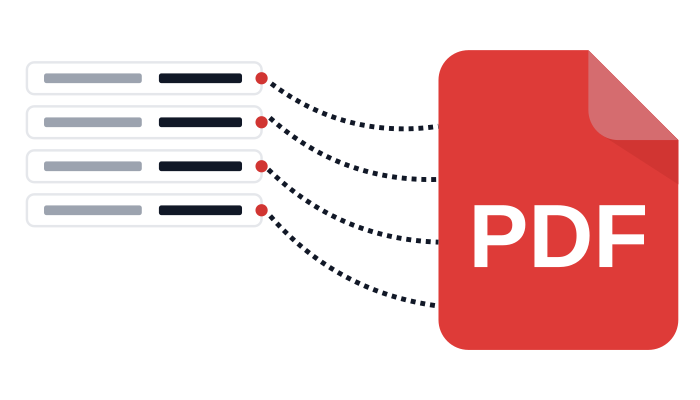
Three steps from a blank fillable PDF to a completed form returned by the DocuPotion API.
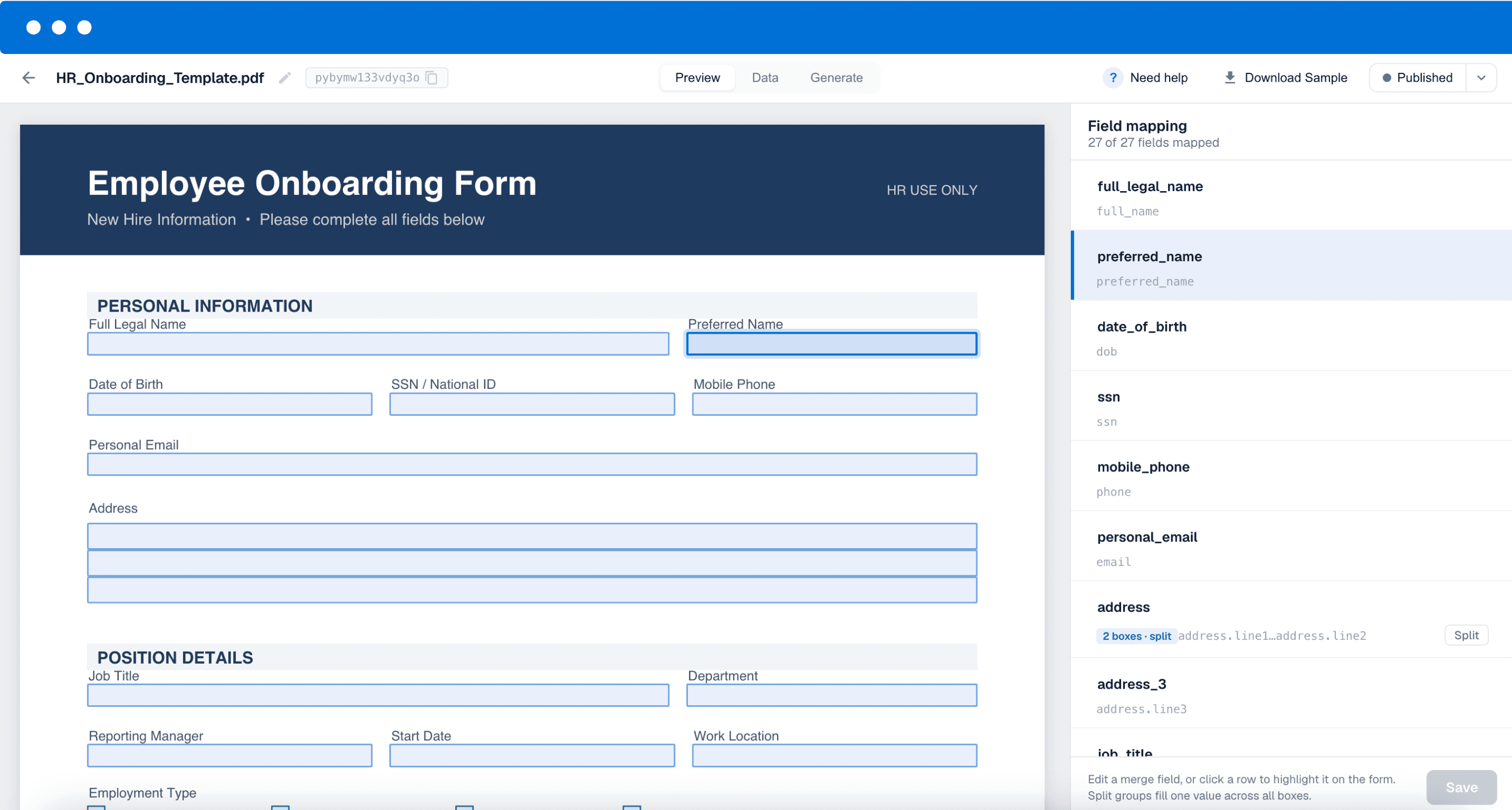
In DocuPotion, upload a fillable PDF. It reads every text field, checkbox and text area, and converts each one into a named merge field, so a cryptic field like Text1 becomes something clean like client_name.
Check the detected fields and rename any so they match the keys in your data. Keeping merge field names identical to your data makes filling the form almost automatic.
Send your values to the /create endpoint and DocuPotion returns the finished PDF. Fill one record on demand, or loop through thousands in a single run, straight from your own backend.

Watch how a fillable PDF becomes a reusable template that fills itself from your data.
Upload a fillable PDF to DocuPotion so it can detect the form fields and turn the document into a reusable template. Then send your values to the /create endpoint, matching your data to the template's merge fields, and DocuPotion returns the completed PDF. You can do this for a single record or for thousands in one run.
Yes. This works with fillable PDFs, the ones with real interactive form fields you can click into and type. If your form is flat or scanned, you can still automate it by creating a template from the existing PDF instead, which rebuilds the layout for you.
Yes. Once the template is ready you can fill it as many times as you need. Loop through a list of records and call the API for each one to generate completed PDFs in bulk, every copy filled correctly from your data.
Not necessarily. If you'd rather not touch the API, you can fill the same template from the tools you already use, such as Airtable, Zapier, n8n or Bubble. The REST API is there for when you want to drive the whole thing from your own backend.
Checkboxes are filled with true/false values. Send true to tick the box and false to leave it clear, so your data can drive ticks and crosses automatically.
Yes. You are reusing the PDF you already trust, so the layout, fonts and fixed text all stay exactly as they are. DocuPotion only fills the fields you already have.
Upload your fillable PDF, map the fields once, then fill it from your data. Start free with 50 documents, no credit card required.
Start free trial