Turn a Google Doc into a reusable template

Bring a Google Doc you already use, add merge fields like {{name}}, and DocuPotion fills it with your data and returns a pixel-perfect PDF. Generate one document, or a separate PDF for every row of a spreadsheet. No developer needed.

50 free documents No credit card Set up in minutes
Google Doc
Dear {{name}},
{{invoice_total}}
PDF
Dear Maria,
$12,480.00
G24.9/5 Rated on G2 by real users
860,000+
Documents generated to date
2,000+
Documents generated every day

Most teams already have the document they want to send: a proposal, an invoice, a letter, built and formatted in Google Docs. DocuPotion lets you keep it. Point us at your Google Doc, mark the parts that change with merge fields, and it becomes a reusable template. The template stays in your own Google Drive, and every document is exported with Google's own renderer, so the PDF matches your Doc exactly. Here's how it works.

Here's how it works

From a Google Doc you already have to a finished PDF for every record.

1

Connect your Google account

Sign in with Google and pick the Doc you want to use as a template, or start a fresh one. It stays in your own Google Drive, so you keep the original and full control of it.

2

Add your merge fields

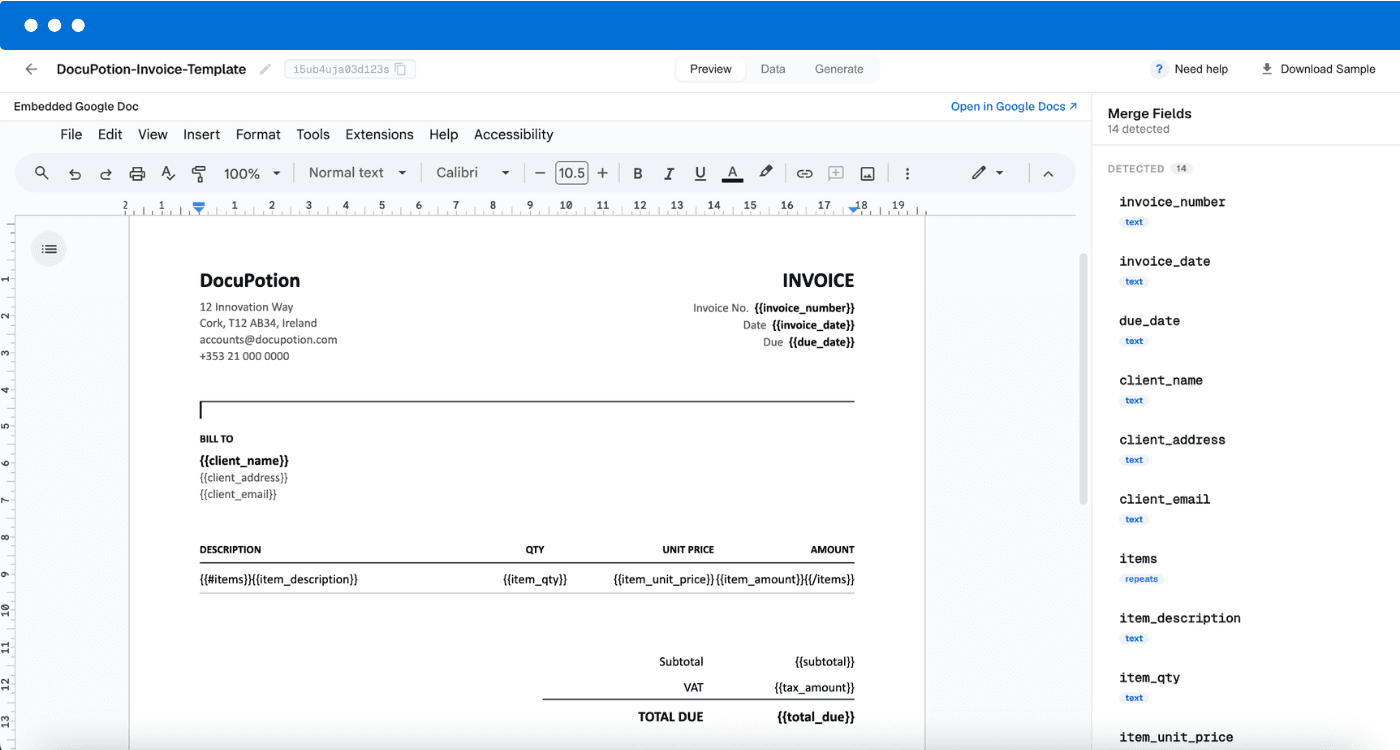
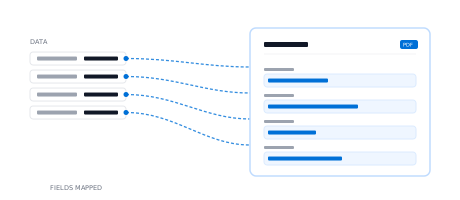
In your Google Doc, type merge fields like {{name}} or {{invoice_total}} wherever your data should go. Repeat a table row for line items, and DocuPotion can total the columns for you. You can edit the template right inside DocuPotion whenever it changes.

3

Generate documents from your data

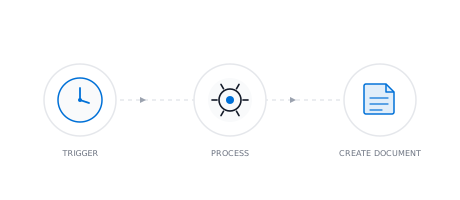
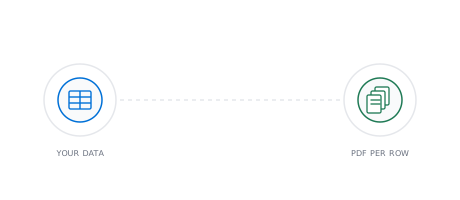
DocuPotion fills the template and returns a finished PDF, identical to your Doc every time. Generate one, or upload a spreadsheet and get a separate PDF for every row.

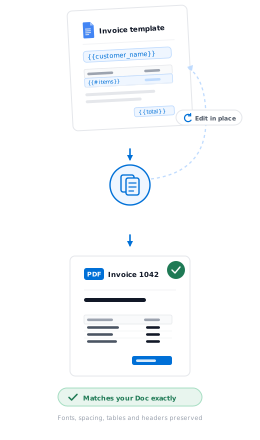
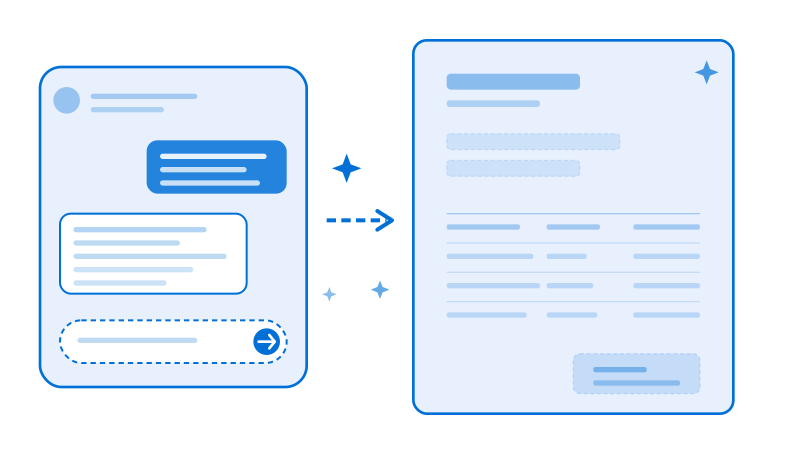
A Google Docs template being turned into a finished PDF in DocuPotion

Your Google Doc is the template

DocuPotion doesn't convert your Doc or rebuild it in a different editor. Your Google Doc is the template. We fill your merge fields in a copy and export it with Google's own renderer, so the finished PDF matches your Doc exactly: fonts, spacing, tables, headers and all.

Because the template lives in your own Google Drive, you can update it anytime in the Google Docs editor you already know, right inside DocuPotion or in Google Docs itself. Your next document picks up the change automatically.

  • Pixel-perfect fidelity. Google renders every PDF, so what you see in your Doc is what your recipient gets.

  • Line items and totals. Repeat a table row for line items, and total the columns automatically.

  • Edit in place. Change the template in Google Docs anytime; new documents use the latest version.

Frequently asked questions

How do I turn a Google Doc into a template?

Connect your Google account, pick the Doc you want to reuse, and type merge fields like {{name}} wherever your data should go. DocuPotion treats that Doc as a reusable template and fills it with your data each time you generate a document.

Does the PDF look exactly like my Google Doc?

Yes. DocuPotion fills your merge fields and exports the document with Google's own renderer rather than rebuilding it in another editor, so the PDF matches your Doc exactly: the same fonts, spacing, tables and layout.

Where is my template stored?

In your own Google Drive. DocuPotion opens and copies the file through Google's secure per-file access, so you keep the original and can move, rename or edit it whenever you like.

Can I generate a batch of documents from a spreadsheet?

Yes. Upload a spreadsheet and DocuPotion generates a separate PDF for each row, filling your Google Doc template with that row's data. It's mail merge for Google Docs, with an individual PDF per record rather than one long combined file.

Can I include line items and totals?

Yes. Put a merge field in a table row and DocuPotion clones that row for each line item in your data, so invoices, quotes and reports with variable-length tables work out of the box. It can also total a column for you, so subtotals and totals stay correct however many rows there are.

Do I need to know how to code?

No. Everything happens in Google Docs and a few clicks in DocuPotion. There's no developer needed to build templates or generate documents.

Can I generate documents automatically from my other tools?

Yes. Once your Google Docs template is set up, you can generate documents on demand or connect DocuPotion to the tools you already use through our integrations, or from your own app with our REST API.

Can I still create templates without Google Docs?

Absolutely. Google Docs is one of three ways to build a template in DocuPotion. You can also upload an existing PDF, or create one from scratch in our editor. Every template type generates documents the same way once it's built.

Generate documents from your Google Docs

Bring a Doc you already use, add your merge fields, and let DocuPotion turn your data into finished PDFs. Start free with 50 documents, no credit card required.