Automate PDF Form Filling
Upload a fillable PDF and DocuPotion maps every input field for you. Then generate populated versions of the form from your own data, one at a time or thousands at once, using one of our integrations or our REST API.
Start free trial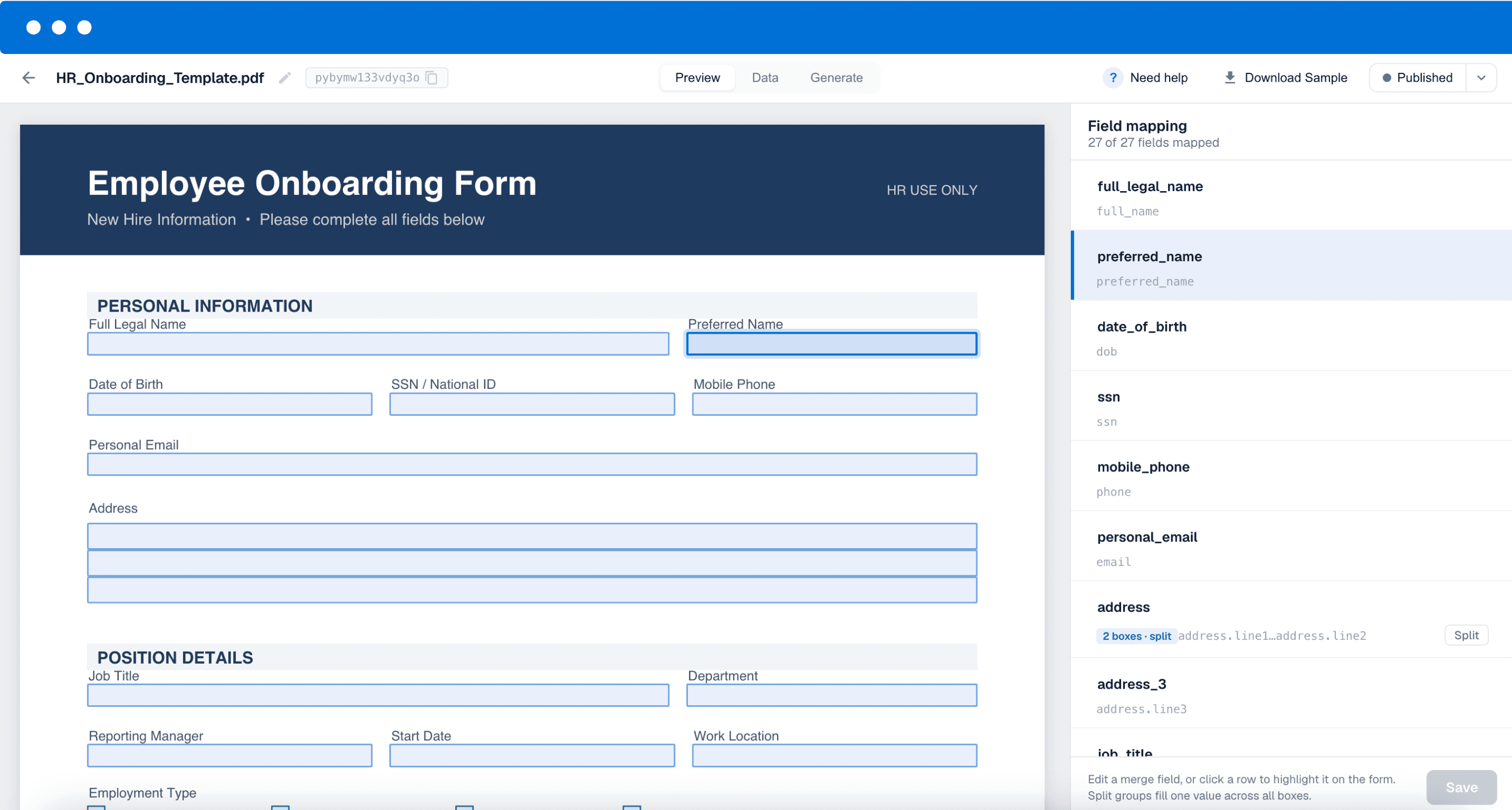
 4.9/5 Rated on G2 by real users
From fillable PDF to automated template
Upload the fillable PDF you already use and DocuPotion reads its input fields and assigns each one a sensible label. Review the mapping, then send your data and get back a finished, populated PDF.
Pass plain values, check or uncheck boxes with booleans, and let long entries wrap neatly across multiple lines. Every request returns a link to the filled PDF, ready to send.
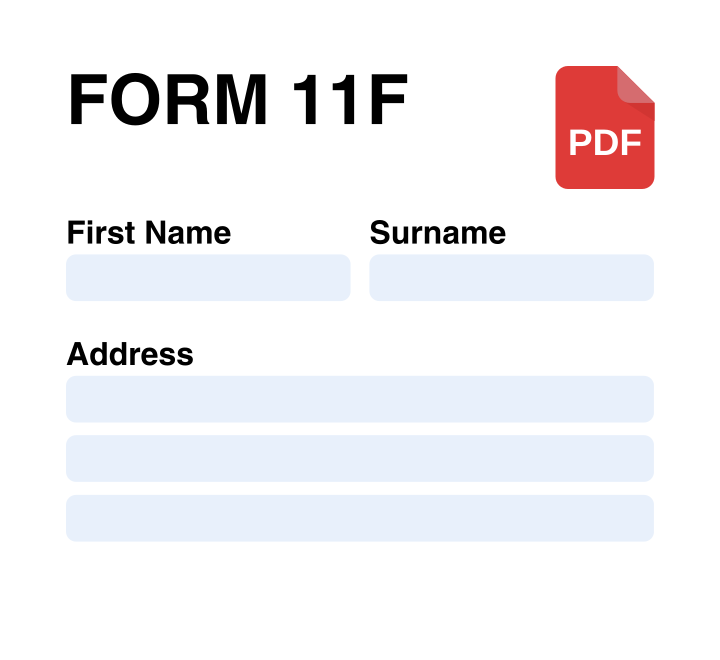
Upload your fillable PDF
Create a new template and upload the fillable PDF you already use. DocuPotion analyses the document and detects every input field, checkbox, and text area inside it.
Review the field mapping
DocuPotion maps each field to a clear label automatically. Rename anything you like, or split grouped fields such as a multi-line address into separate inputs.
Generate filled PDFs
Send your data through one of our integrations or the REST API. DocuPotion returns a populated PDF for every record, so you can fill one form or thousands without touching them by hand.
Built for the forms you can’t redesign
Official and branded PDFs usually have to be used exactly as they are. The overlay editor fills them from your data without changing a pixel.
Government, tax & immigration forms
Official forms that must be filed exactly as issued. Fill them from your data without redrawing a single line.
Insurance & claim forms
Standardised forms like ACORD that carriers expect verbatim. Map the fields, populate them per policy or claim.
Real-estate disclosures & agreements
Disclosure packets and purchase agreements with fixed legal wording. Overlay the details for each property and party.
NDAs & employment contracts
Contracts where the wording can't move. Drop in names, dates and signature images while the layout stays intact.
Bulk certificates & credentials
Certificates designed in Canva or InDesign. Add a logo or signature image overlay and generate one per recipient.
HR & onboarding packets
Multi-form onboarding and HR packets. Fill an entire pack from a single record instead of typing each one out.
More than a PDF form filler
Filling fillable PDFs is one of the ways DocuPotion automates your documents. Here are some other features to help with your document generation.
Document Automation
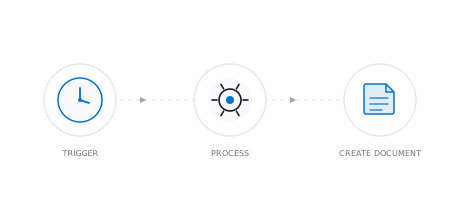
Stop creating documents by hand. Set up automated workflows that pull live data from your tools and generate documents on a schedule, on form submission, or via API.
Google Docs Templates
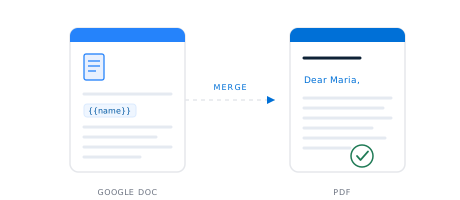
Bring a Google Doc you already use, add merge fields like {{name}}, and DocuPotion turns it into a reusable template. Generate pixel-perfect PDFs from your data, one at a time or in bulk from a spreadsheet.
PDF Mail Merge
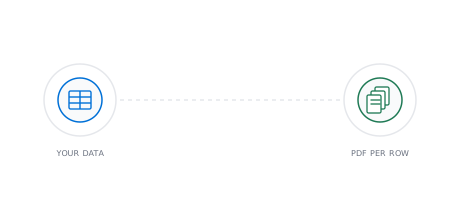
Upload a spreadsheet, and DocuPotion mail merges it into an individual PDF for every row. No Word workaround, no splitting one long file into many.
Create PDF Templates
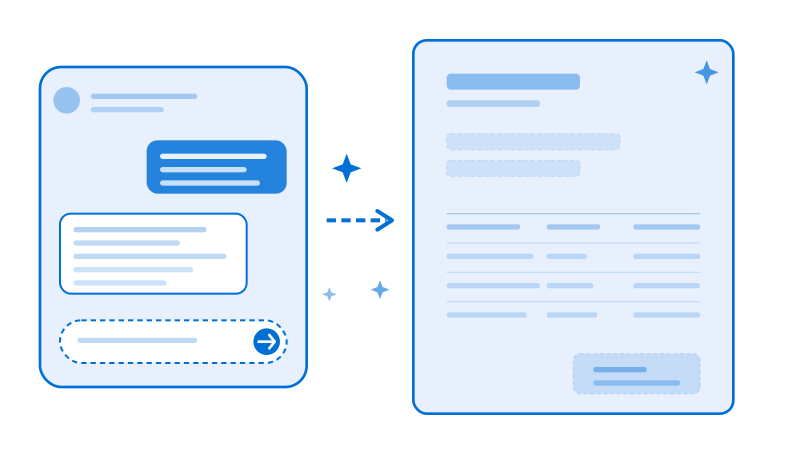
Create PDF templates in minutes with our AI editor. Just describe what you need and generate templates for invoices, sales reports, purchase orders, shipping labels and all your business documents.
Frequently asked questions
What does it mean to automate PDF form filling?
Automating PDF form filling means populating a fillable PDF from your data instead of typing into each field by hand. You upload the form once, map its fields, and then generate completed copies on demand. With DocuPotion you send the values for each field and get back a finished PDF, so the same form can be filled for one person or for thousands of records without any manual work.
How do I automatically fill out a PDF form?
Upload your fillable PDF to DocuPotion and it detects and labels every input field for you. Check that the mapping looks right, then send your data through one of our integrations or the REST API. DocuPotion merges your values into the form and returns a populated PDF for each record, so the whole process runs without anyone filling the form manually.
Can I fill a PDF form using an API?
Yes. DocuPotion gives every template a REST endpoint. Make a POST request with your API key, the template ID, and a data object containing the value for each mapped field. The response includes a link to the filled PDF. You can fill text fields, set checkboxes with booleans, and pass long values that wrap across multiple lines, which makes it straightforward to generate completed forms from any application you build.
Do I need to be a developer to fill PDF forms automatically?
No. Native integrations with Airtable, Bubble.io, n8n, and Zapier let you fill forms directly from the tools you already use, triggered by a new row, a form submission, or any event in your workflow. The REST API is there too if you would rather build form filling into your own application.
What kinds of fields can DocuPotion fill?
DocuPotion handles the field types found in most fillable PDFs, including text inputs, checkboxes, and grouped fields such as a multi-line address. Checkboxes accept boolean values so you can tick or clear them per record, and long text wraps neatly onto multiple lines instead of overflowing. When several inputs belong to one label, you can keep them grouped or split them into separate fields, whichever suits your data.
Ready to get started?
Upload a fillable PDF and start filling forms automatically.