PDF mail merge, one file per row
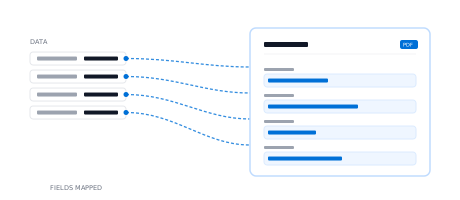
Upload a spreadsheet and map your column names to template merge fields. DocuPotion generates a separate PDF for every record, so you never split one long merged file by hand again.
Mail merge is the classic way to turn a list of records into documents, but the built-in Word and Google Docs versions are painful for PDFs: you merge into one long file, then fight to split it into separate documents, and redo the whole thing whenever the template changes. DocuPotion mail merges PDFs directly: build a reusable template, upload a spreadsheet and get one PDF per row. Check out the demo below to see how it works.
Run the sample spreadsheet below and watch each row become its own PDF.
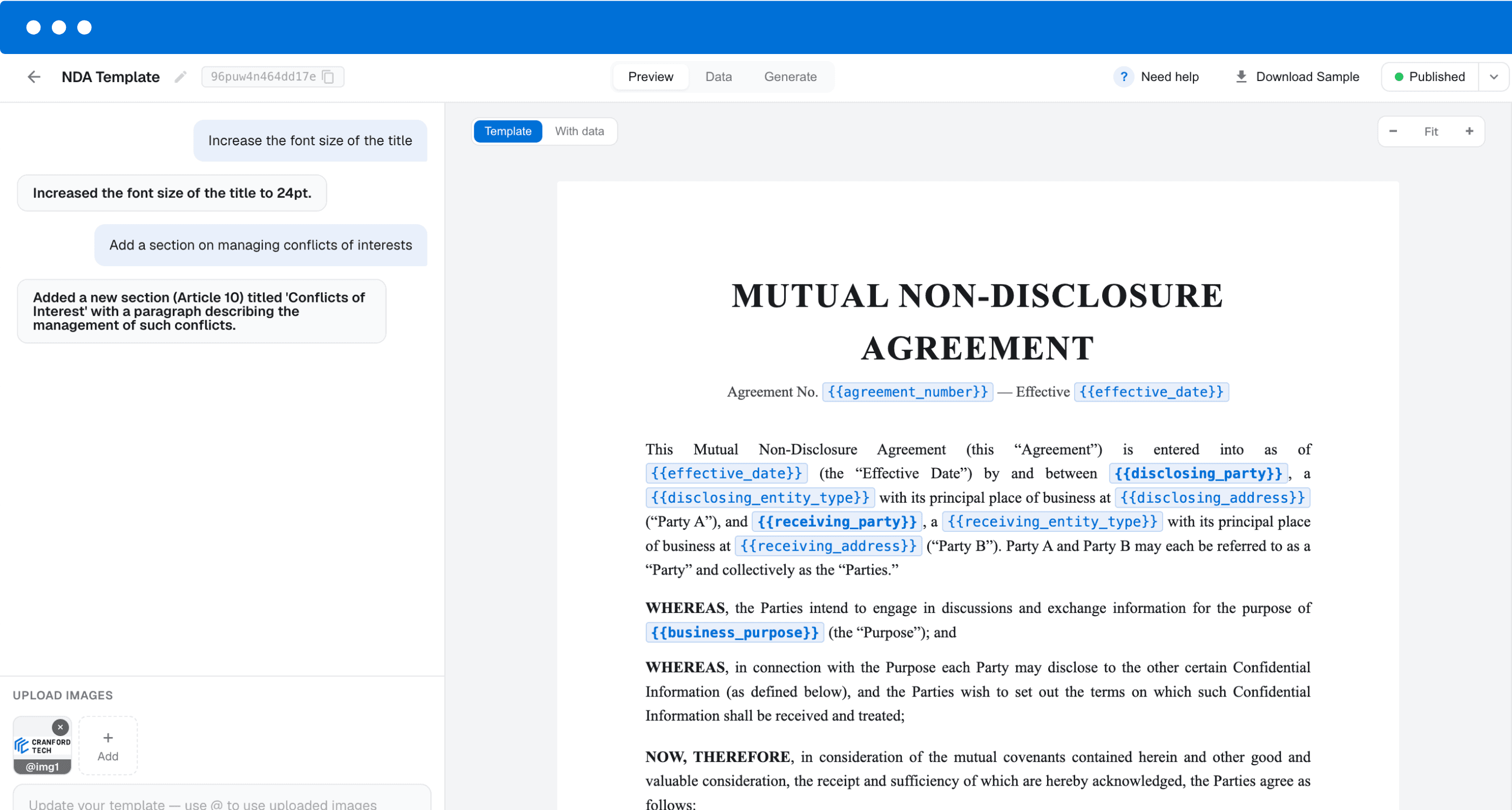
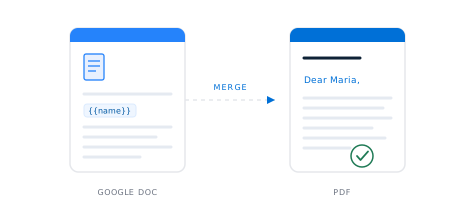
Merge fields sit wherever data should be filled in.
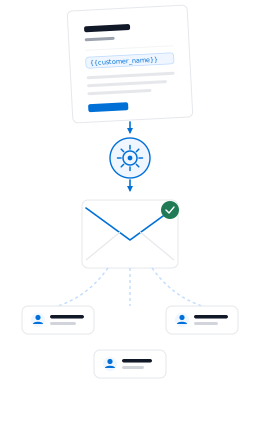
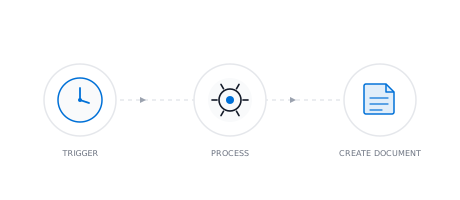
From a list of records to a finished PDF for each one.
Upload a spreadsheet: CSV, Excel or Google Sheets. Each row in your file becomes one document in the batch.
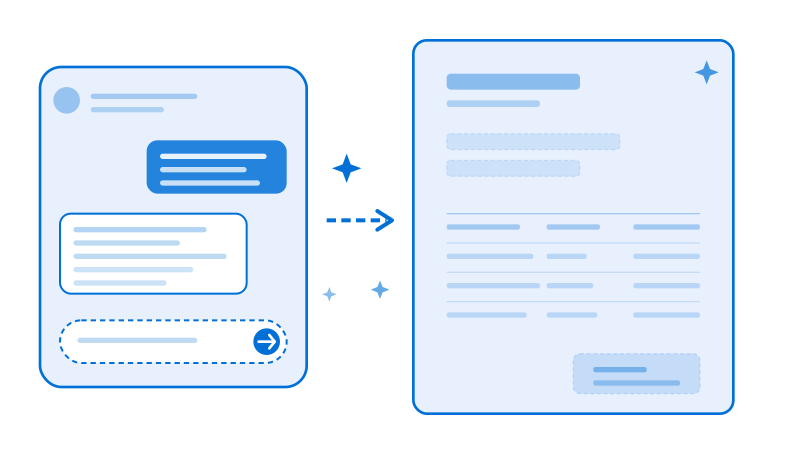
In DocuPotion, build a reusable template and add merge fields like {{name}} or {{date}}. Design a template from scratch with our AI-powered editor, or upload one of your existing documents.
DocuPotion fills the template for every row and returns a separate, finished PDF for each one.

Build a reusable template in DocuPotion with merge fields like {{name}}, then upload a spreadsheet of your records. DocuPotion fills the template once per row and returns an individual PDF for each record, so you skip the Word or Google Docs mail merge step entirely.
Yes. DocuPotion creates a separate PDF for each record, so you get individual files rather than one long merged document you have to split up afterwards.
Yes. Upload an Excel or CSV export as-is; each row populates one PDF from your template, with no need to open Word or Google Docs first.
No. You build the template in DocuPotion and merge your data straight in, so you can skip Word and Google Docs mail merge entirely.
For a mail-merge batch, a spreadsheet: CSV, Excel or Google Sheets. Each row populates one PDF. If you'd rather generate documents one at a time as new data arrives instead of as a batch, that's available separately through our REST API, Zapier, or n8n.
DocuPotion allows you to generate up to 5,000 PDFs in a single run. If you have a spreadsheet with more than 5,000 rows of data, you can split into multiple files and do several runs.
Yes. DocuPotion templates use your own logo, colours, fonts and layout, so every generated PDF is on-brand and consistent.
Yes. DocuPotion maps input fields on fillable PDF forms to merge fields. You can map these merge fields to columns in your spreadsheet and generate filled-out PDFs in bulk.
DocuPotion handles the rest of your document workflow too.
Stop creating documents by hand. Set up automated workflows that pull live data from your tools and generate documents on a schedule, on form submission, or via API.
Create PDF templates in minutes with our AI editor. Just describe what you need and generate templates for invoices, sales reports, purchase orders, shipping labels and all your business documents.
Upload a fillable PDF and DocuPotion maps every input field for you. Then generate populated versions of the form from your data via our integrations or REST API.
Turn data from your existing tools into polished PDFs and documents. Connect to your favourite tools using our integrations or any app via our REST API. Then generate pixel-perfect output with a single trigger.
Build your template once and generate an individual PDF for every record. Start free with 50 documents, no credit card required.
Start free trial