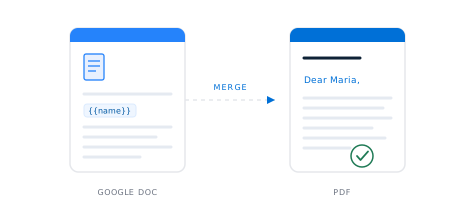
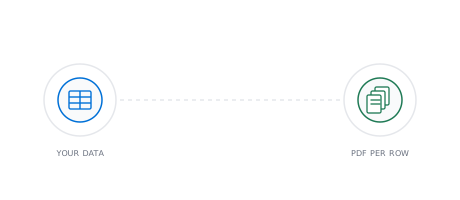
Bring a Google Doc as your template, upload a spreadsheet with your data, and DocuPotion generates a separate, pixel-perfect PDF for every row. No add-on to install, no copying the document by hand, and each PDF matches your Doc exactly.
Google Docs has no built-in mail merge, so people reach for a Workspace add-on or copy the document by hand for every record. Even with an add-on there is friction: you set it up, run every batch through it, and each run leaves temporary copies behind in your Drive, and the simpler ones struggle with line items and totals. DocuPotion does it directly. Use your Google Doc as the template, upload a spreadsheet, and get one finished PDF per row, exported with Google's own renderer so each file looks exactly like your Doc. It is the same idea as a PDF mail merge, with your Google Doc as the source. Try it below.
Try it yourself
A real, read-only Google Doc template on one side and a sample spreadsheet on the other. Run the batch and watch each row become its own PDF.
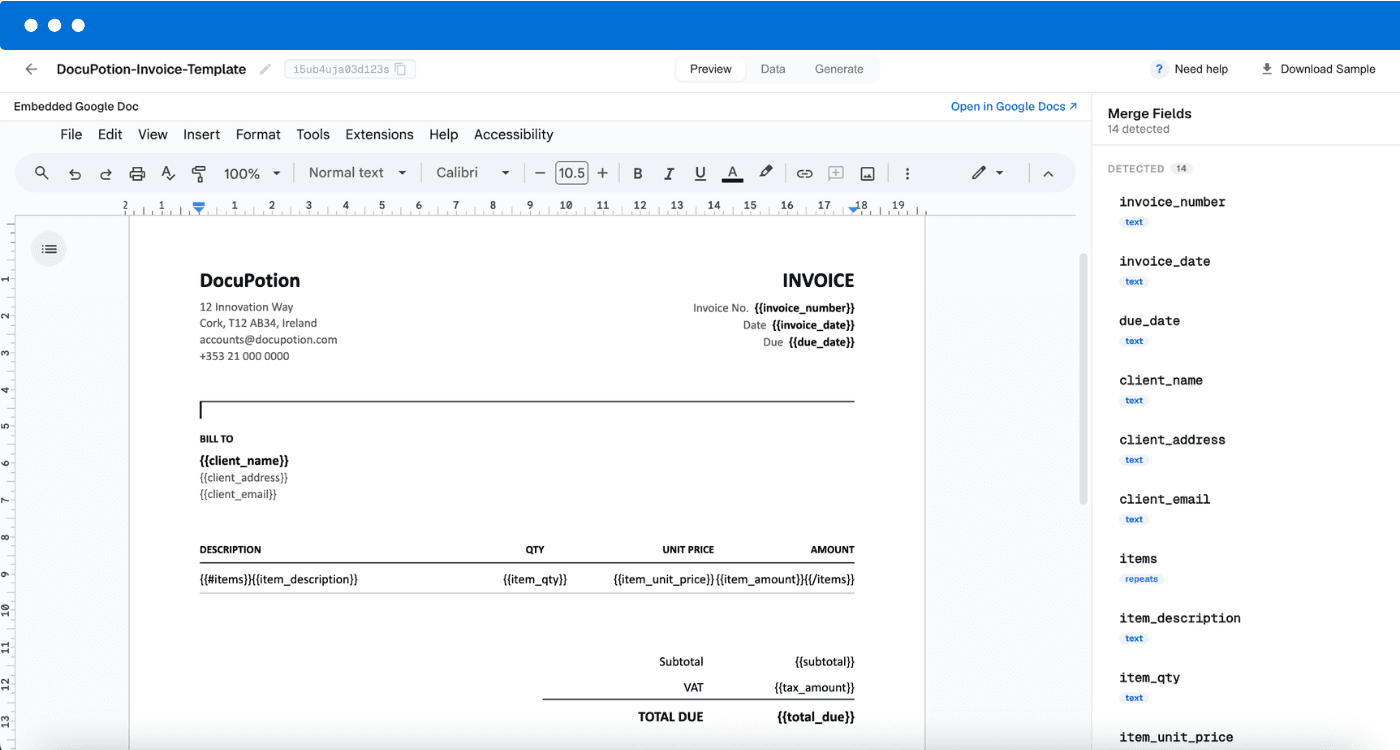
A real Google Doc, with merge fields wherever data should be filled in. Read-only here, fully editable in your own Google Drive.
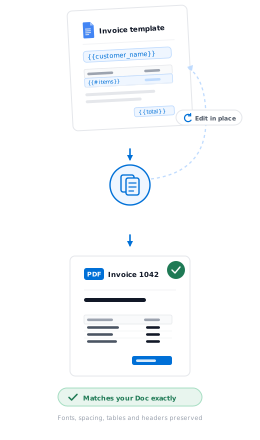
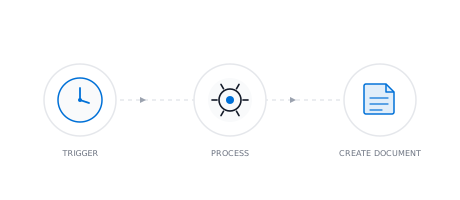
From one Google Doc to a finished PDF for every record.
1
Bring your Google Doc
Use a Google Doc as your template and type merge fields like {{name}} wherever the details change. It stays in your own Google Drive, so you keep the original.
2
Add your spreadsheet
Upload a spreadsheet with your data: CSV, Excel or Google Sheets. Each row becomes one document, with your columns mapped to the merge fields in the Doc.
3
Generate a PDF per row
DocuPotion fills the Doc for every row and returns a separate PDF for each, exported with Google's own renderer so every file matches your Doc exactly. Map an email column and each PDF can be sent straight to its recipient.
Not just another Google Docs add-on
Most Google Docs mail merges mean installing a Workspace add-on, running every batch through it, and clearing out the temporary copies it leaves in your Drive, and the simpler add-ons struggle with repeating line items and totals. DocuPotion connects to your Google Doc once and returns a separate, correctly named PDF for every row.
Because your Google Doc is the template and Google renders each file, the output is pixel-perfect, the same fonts, spacing, tables and headers as your Doc. Map an email column and each recipient can get their own PDF automatically.
✓
Nothing to install. Connect your Google Doc once. There's no add-on to install in Google Docs.
✓
Line items and totals. Repeat a table row for line items, and total the columns automatically.
✓
Not just Google Docs. The same merge works with PDF and AI-built templates, plus your integrations or REST API.
Google Docs mail merge options
How the common ways to mail merge a Google Doc compared.
Method
No add-on needed
Separate PDFs
Line items
Automation
No coding required
Manual copy & paste
Yes
Yes
Manual
No
Yes
Google Workspace add-on
No
Varies
Varies
Varies
Yes
Google Apps Script
Yes
Yes
Yes
Yes
No
DocuPotion
Yes
Yes
Yes
Yes
Yes
Frequently asked questions
How do I mail merge in Google Docs?
Use your Google Doc as a template and add merge fields like {{name}} where the details change, then connect a spreadsheet with your data. DocuPotion fills the Doc once per row and returns an individual PDF for each record, so there is no Workspace add-on to install and no copying the document by hand for each one.
Can you mail merge in Google Docs?
Not with Google Docs on its own, because it has no built-in mail merge. You can copy the document by hand for each record, add a Workspace add-on, or connect your Doc to a tool like DocuPotion, which fills your merge fields from a spreadsheet and returns an individual PDF for every row.
Can I get a separate PDF for each row instead of one combined document?
Yes. DocuPotion creates a separate, individually named PDF for every row in your spreadsheet, rather than one combined file.
Do I need a Google Workspace add-on?
No. You connect your Google Doc to DocuPotion once, and the merge runs there. There is no add-on to install in Google Docs and no developer needed.
Is there a Google Docs mail merge add-on?
Yes. There are Workspace add-ons that bring mail merge to Google Docs, though they vary in how they handle things like line items and totals, and they run entirely inside Google. DocuPotion is an alternative that connects to your Google Doc without installing an add-on, generates an individual PDF per row, and also works with PDF and AI-built templates beyond Google Docs.
Does the PDF match my Google Doc exactly?
Yes. DocuPotion fills your merge fields and exports each document with Google's own renderer rather than rebuilding it in another editor, so the PDF matches your Doc exactly: the same fonts, spacing, tables and layout.
Can DocuPotion email each merged PDF to its recipient?
Yes. Map a column in your spreadsheet as the recipient address and DocuPotion can email each person their own PDF as an attachment, with a subject and message personalised from their row. Email delivery is available on paid plans.
What can I use as the data source?
A spreadsheet: CSV, Excel or Google Sheets, where each row becomes one PDF. If you would rather generate documents one at a time as new data arrives, you can also drive the same Google Doc template from your existing tools through our integrations, or from your own app with our REST API.
Can I mail merge Google Docs from Google Sheets?
Yes. Use your Google Doc as the template and connect a Google Sheet as the data, and DocuPotion turns each row into its own PDF, with your columns mapped to the merge fields in the Doc. A CSV or Excel file works the same way.
Can I include line items or a total?
Yes. Repeat a table row and DocuPotion clones it for each line item in your data, and it can total a column for you, so quotes, invoices and reports with variable-length tables stay correct however many rows there are.
Do I have to use a Google Doc?
No. A Google Doc is one option. You can also build a template in DocuPotion's editor or upload an existing PDF, and mail merge a spreadsheet into any of them the same way.
More ways to automate your documents
Mail merge is one way in. DocuPotion handles the rest of your document workflow too.
Bring a Doc you already use, upload your spreadsheet, and let DocuPotion turn every row into its own finished PDF. Start with a free trial, no credit card required.