Gmail mail merge with attachments, a personalised PDF per row

Gmail can mail merge the message, but every recipient gets the same attachment. Download your Google Sheet, upload it to DocuPotion, and each person on it receives their own PDF, made from your template and attached to an email personalised with their details.

✓ No credit card✓ Set up in minutes
Google Sheet
Name
Email
Details
Attached per row
To: priya.nair@example.edu
Subject: Your workshop certificate, Priya
Hi Priya,
PDFPriya Nair - Certificate.pdf
G24.9/5 Rated on G2 by real users
860,000+
Documents generated to date
2,000+
Documents generated every day

Gmail's built-in mail merge, available on some paid Google Workspace plans, personalises the message from a Google Sheet, but any file you attach goes to everyone unchanged. Sheets add-ons fill the gap in two ways: some attach a different file per row that you've already saved to Drive, and some, like the free Autocrat add-on, create a PDF from a Google Doc for each row and email it. Both send through your Gmail account, so every email counts toward its daily sending limit. DocuPotion creates the attachments as part of the merge and sends them itself. Run the demo below to see a sheet turn into individual PDFs.

Try it yourself

Run the sample sheet and watch each row become its own PDF, the attachment that person will receive.

Merge fields sit wherever data should be filled in.

Northfield College
Office of Admissions
August 1, 2026

Dear {{student_name}},

We are delighted to offer you a place at Northfield College to study {{programme}}, beginning {{start_date}}. Your application reference is {{application_id}}.

Please confirm your place by {{accept_by}}. If you have any questions, your admissions advisor, {{advisor}}, is happy to help.

Warm regards,
Admissions Office, Northfield College

Here's how it works

From a Google Sheet to a personalised attachment in every inbox.

1

Download your Google Sheet

In Google Sheets, choose File, then Download, and save it as Microsoft Excel (.xlsx) or CSV. Keep one row per person and a column with their email address.

2

Make the attachment a template

Use a Google Doc you already have as the template, upload an existing PDF, or create one with DocuPotion's AI editor. Add merge fields such as {{name}} and {{course}} where the details change.

3

Send the merge

Upload the sheet, map the email column, write a subject and message with merge fields, and send yourself a test. Then send the batch: one email per row, each with that person's PDF attached.

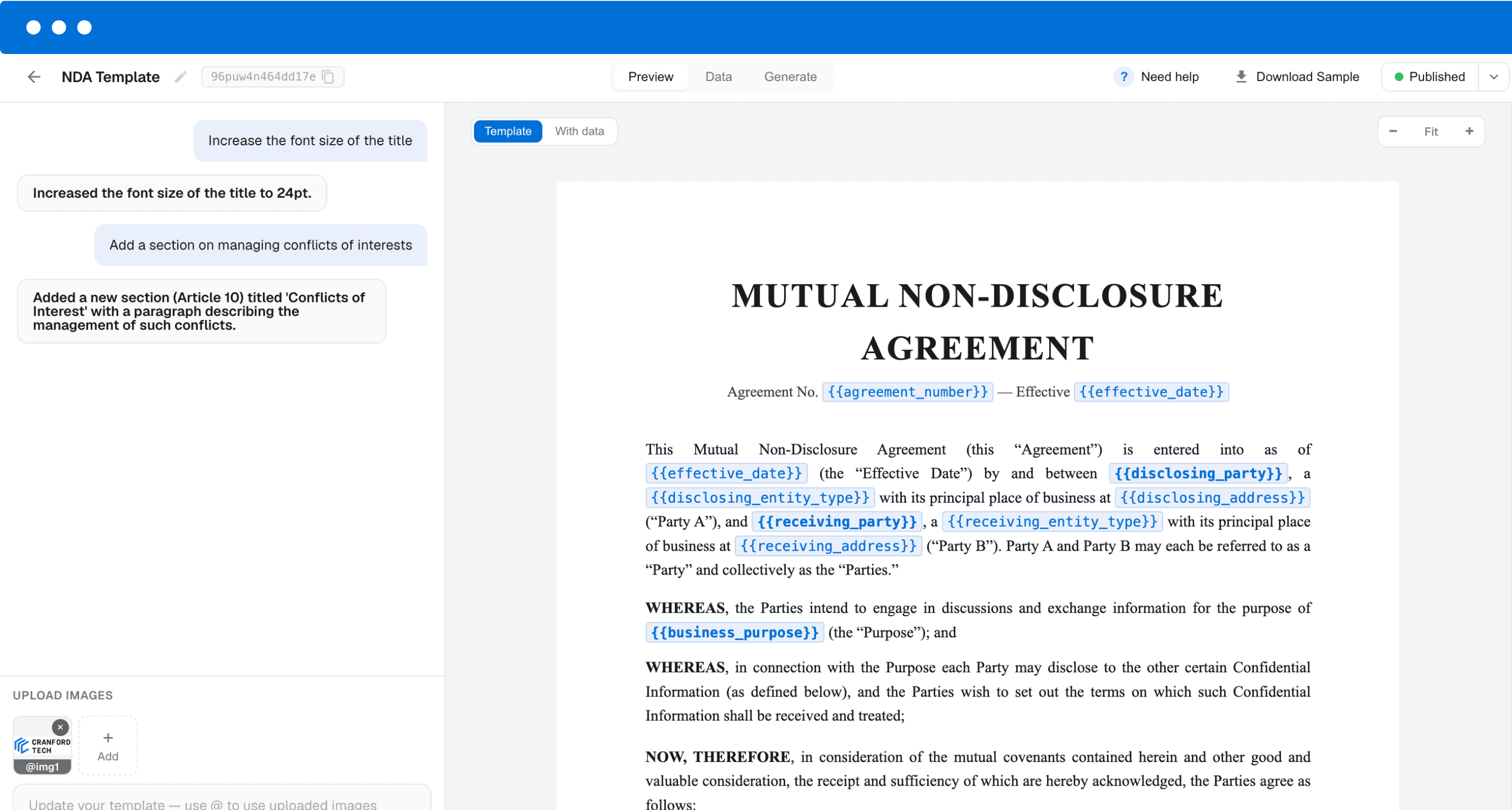
DocuPotion editor showing a template with merge fields

Any template, no Gmail sending limit

Email mail merge add-ons attach files that already exist: one file per row, saved in Drive, with its name or link typed into your sheet. For a cohort of 200 that's 200 files to create and check before anything goes out. Document add-ons such as Autocrat can create those files for you, but your template has to be a Google Doc.

DocuPotion generates each row's PDF from your template as part of the run, so the names, dates and details in the attachment always match the row it is going to. The template can be a Google Doc, an existing PDF you upload, such as a certificate designed in Canva, or a design built in DocuPotion's editor.

Because DocuPotion sends the emails from its own sending service, the run doesn't use up your Gmail account's daily limit. Emails come from documents@send.docupotion.com under your organisation's name, with replies going to the address you choose, such as your Gmail address. They won't appear in your Gmail Sent folder.

  • ✓

    No Workspace plan needed. Works with any Gmail account, or none, and no add-on to install.

  • ✓

    Replies reach your Gmail. Set your Gmail address as the reply-to.

  • ✓

    Tracked per person. Sent, delivered or bounced, with resend for any failures.

Email delivery is included on paid plans. Prefer to send from Gmail yourself? Download the batch as individually named PDFs.

Gmail mail merge options compared

What you get when each recipient needs their own attachment. DocuPotion is a paid tool: the free trial lets you build and test your attachment, and sending emails needs a paid plan.

Gmail mail mergeSheets add-onDocuPotion
Personalised message from a Google Sheet Yes Yes Yes
A different attachment for each row No Yes Yes
Creates the attachments for you NoVaries Yes
Template can be an existing PDF design NoVaries Yes
Doesn't use your Gmail daily limit No No Yes
Works without a Workspace plan No Yes Yes
Sends from your own Gmail address Yes Yes No
CostPaid Workspace planFree to paidPaid plan, from $49/month

See it in action

A spreadsheet becoming individually named PDFs, each emailed to the person on its row.

Frequently asked questions

Can you mail merge in Gmail with attachments?

Gmail's own mail merge lets you add an attachment, but every recipient gets the same file. To send each person a different attachment you need a Sheets add-on, either one that attaches a file you've already made for each row or one like Autocrat that creates a PDF from a Google Doc per row, or a tool like DocuPotion that creates each row's PDF and emails it for you.

Can each person get a personalised attachment from my Google Sheet?

Yes. Every row becomes its own PDF, filled with that row's details from your template, and is attached to the email sent to the address in that row.

Do I need Google Workspace?

No. Gmail's built-in mail merge requires an eligible paid Workspace plan, but DocuPotion works with any Google account, or none: all you need is the sheet downloaded as .xlsx or .csv. Sending emails from DocuPotion does need a paid DocuPotion plan.

Does this count against Gmail's sending limit?

No. DocuPotion sends the emails through its own sending service, not your Gmail account, so Gmail's daily limit doesn't apply. DocuPotion allows up to 2,000 emails a day per account, or 500 a day during your first 30 days.

Will the emails come from my Gmail address?

No. They come from documents@send.docupotion.com with a sender name you choose, such as your organisation's name. Set your Gmail address as the reply-to so replies land in your inbox. The emails won't show up in your Gmail Sent folder.

Can I use a Google Doc as the attachment template?

Yes. Use the Google Doc you already have, add merge fields, and DocuPotion turns it into a separate PDF for every row. Our Google Docs mail merge guide covers setting up the template.

What kinds of attachments do people send this way?

Certificates for course and event attendees, offer and admission letters, award letters and renewal notices: documents where each person's details fit in one row of the sheet. Lists that vary in length, such as invoice line items, don't fit a single row and are better suited to our API and integrations.

How many rows can one merge have?

A file can have up to 5,000 rows, one email per row, but your plan sets the practical limit. Every PDF counts as one document from your monthly allowance: 100 a month on Core, 500 on Business, and more on a custom plan.

Send every row its own PDF

Download your Google Sheet, set up the attachment once, and DocuPotion emails each person their personalised PDF. Build and test it on a free trial, no credit card required. Sending emails needs a paid plan.